

Website
Install App


There is no customer care number
Important Link
How to Appeal for Channel Remonetization?
- To get your channel remonetized on YouTube after being demonetized for policy violation (like Reused Content, etc.), you must submit a 5 minute appeal video within 14 days to reinstate the channel monetization.
- The appeal video format should be as follows:
- You must show your channel URL on the screen at the start of the video.
- Throughout the appeal video you must explain the process with your own voice and must show your face as well to prove yourself as a human creator behind this channel.
- You have to capture the entire workflow that you do while creating videos from Research, Script Writing to Screen recorded clips from your Editing Software showcasing the timelines, cuts, visual effects, sound effects proving your effort.
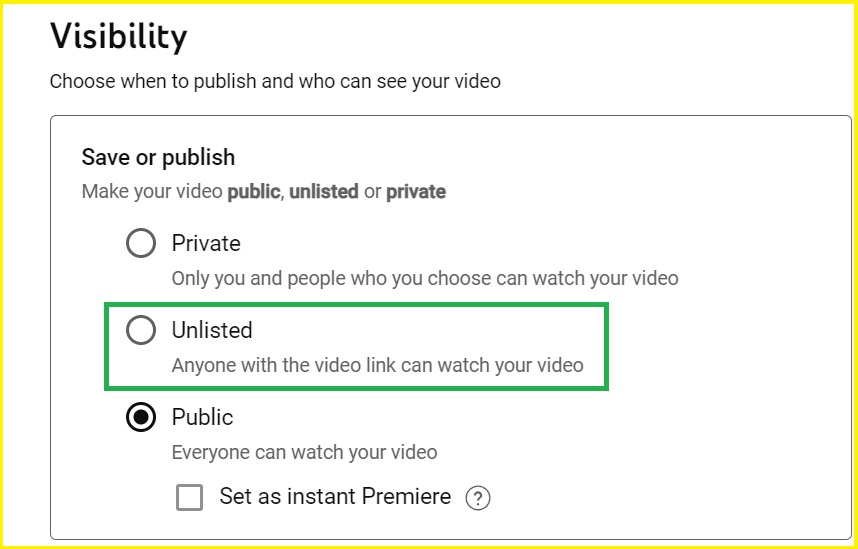
- After finishing up the appeal video you must upload it onto your demonetized channel with visibility set to "Unlisted"
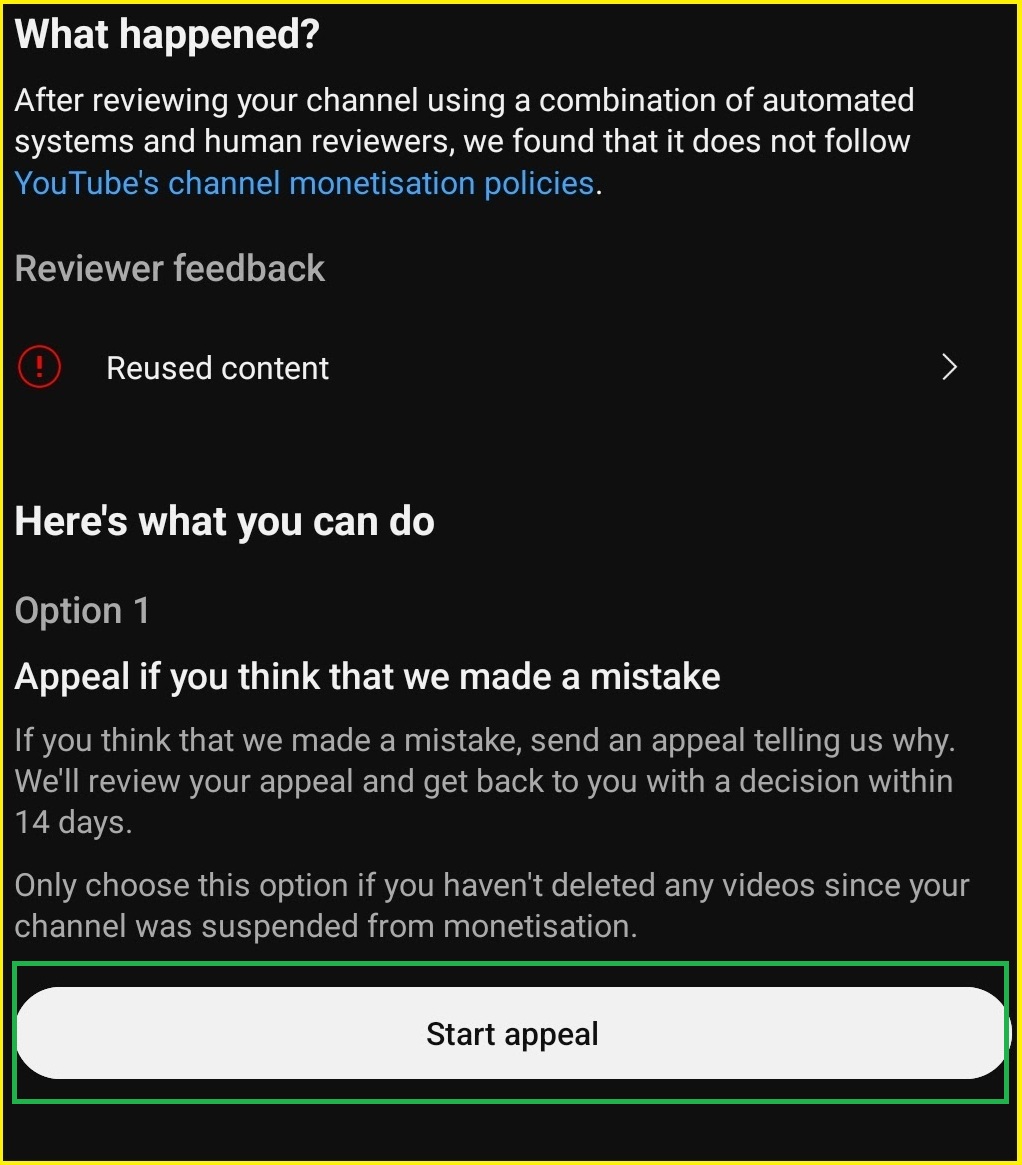
- Then go to your YouTube Studio on browser or YouTube Studio App , head to the Earn Section.
- Click on "Start Appeal" then paste the URL of unlisted appeal video and click submit.
Reasons for Getting Youtube Account Terminated!
- Repeated violation of "Youtube Terms of Service" or "Community Guidelines".
- Posting "Impersonating, Hateful, Harassing, Abusive, etc." Content/Comments can get your account terminated.
- YouTube also terminate accounts for "Predatory Behaviour, Spam, Deceptive Practices" or being part of a scam.
- If any of your account is terminated for these violations, you are prohibited from having any other account/channel leading to those accounts being terminated as well according to "YouTube Circumvention Policy" .
- For more information, Please read .
How to Submit a YouTube Channel Termination Appeal Form?
- Firstly sign in to the gmail account tied with the terminated youtube channel.
- Open go to your YouTube Studio on browser or YouTube Studio App, then click on "Begin Review" or click on the link sent to your mail by youtube to make an appeal.
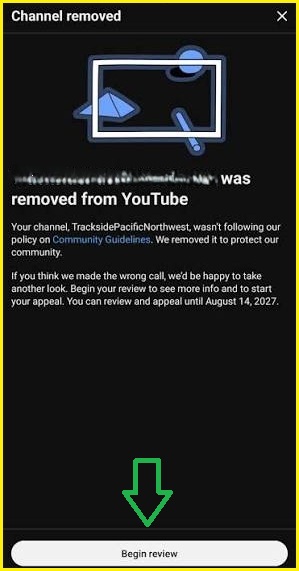
- Review the exact policy violation YouTube cited to know the reason for termination.
- Fill the basic details like full name, email, etc. along with your exact "YouTube Channel ID URL" from the termination mail sent to you by YouTube.
- Write a short explaination, explaining the reason why the termination may have been an error along with appropriate evidence to back it up and click submit.
Headquarters
Google LLC,
D/B/A YouTube 901 Cherry Ave
San Bruno, CA 94066 USA
Fax: +1 650-253-0001
Comments